
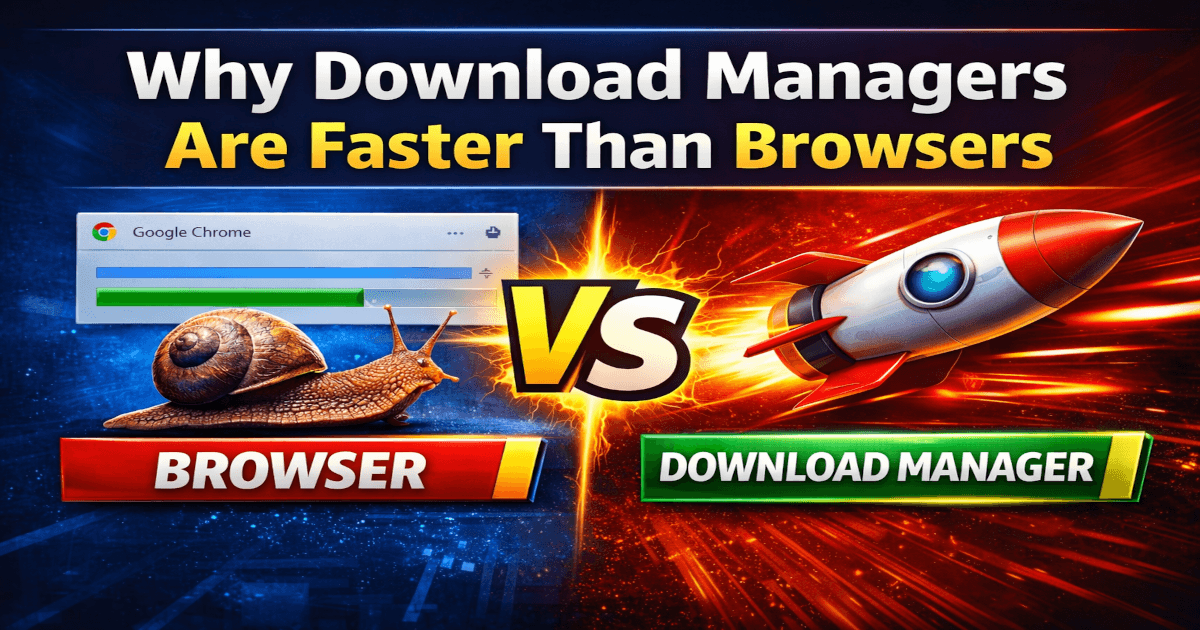
Why Download Managers Are Faster Than Browsers (Explained Simply)
Watch the 30-second explanation first:
Have you ever noticed that your browser download speed feels slow, but the same file downloads much faster using a download manager?
This is not luck. It is not internet magic. It is engineering.
In this article, I will explain in simple terms why browsers are slower and how download managers use multi-thread technology to increase speed.
Why Browser Download Speed Is Usually Slower
Most modern browsers are designed primarily for browsing websites, streaming content, and handling tabs efficiently.
When you download a file using a browser, it typically:
- Uses one single connection to the server
- Downloads the file in one continuous stream
- Focuses on stability rather than maximum speed
Imagine a highway with only one lane. All vehicles must use that single path.
That is how most browsers handle downloads.
How Download Managers Increase Speed
Download managers are built specifically for performance.
Instead of using one connection, they:
- Split the file into multiple parts
- Open several connections to the server
- Download all parts at the same time
This method is called multi-thread download or multi-thread downloading.
Now imagine a highway with four or eight lanes instead of one. More lanes mean more cars moving simultaneously.
More connections mean more data arriving in parallel.
What Is Multi-Thread Downloading?
A multi-thread download works like this:
- The file is divided into smaller chunks.
- Each chunk is assigned to a separate connection.
- All chunks download simultaneously.
- The parts are merged back into one complete file.
This significantly improves download speed, especially for large files.
However, the server must allow multiple connections. If the server limits connections, the speed gain may be smaller.
Browsers vs Download Managers: The Real Difference
Browsers are optimized for:
- Webpage rendering
- Security and sandboxing
- Stability
Download managers are optimized for:
- High-speed file transfers
- Parallel connections
- Resume support for interrupted downloads
That is why download managers often feel faster.
Speed is not magic. It is engineering.
When Should You Use a Download Manager?
You should consider using one if:
- You download large files frequently
- Your connection is stable but browser downloads feel slow
- You want resume capability for interrupted downloads
For small files, the difference may not be noticeable.
Conclusion
If your browser download speed feels slow, it is usually because it uses a single connection.
Download managers split files into multiple parts and use multi-thread downloading to bring data in parallel.
More connections. More data flow. More speed.
If this explanation helped you understand how downloads really work, leave a comment below and subscribe for more simple technical breakdowns.
FAQ
1. Do all browsers use only one connection?
Many browsers primarily use a single connection for a single file download, though behavior can vary depending on the server and implementation.
2. Is multi-thread download always faster?
Not always. The server must allow multiple connections. If the server limits connections, the speed improvement may be minimal.
3. Does multi-thread downloading affect internet stability?
It can increase bandwidth usage temporarily because multiple connections are active at the same time. On slower networks, this may affect other activities.